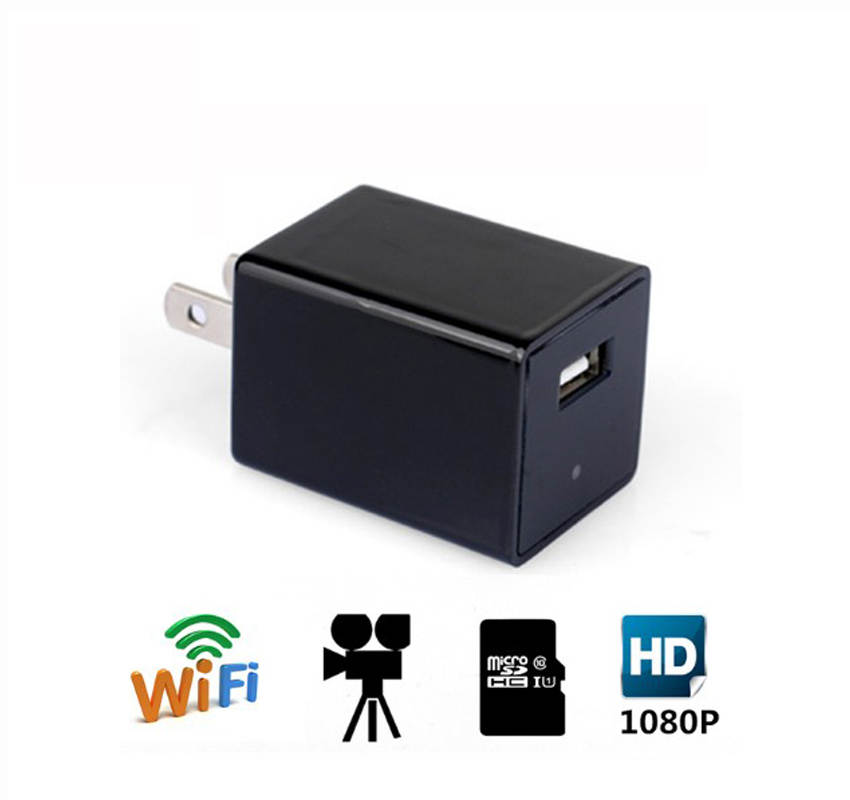
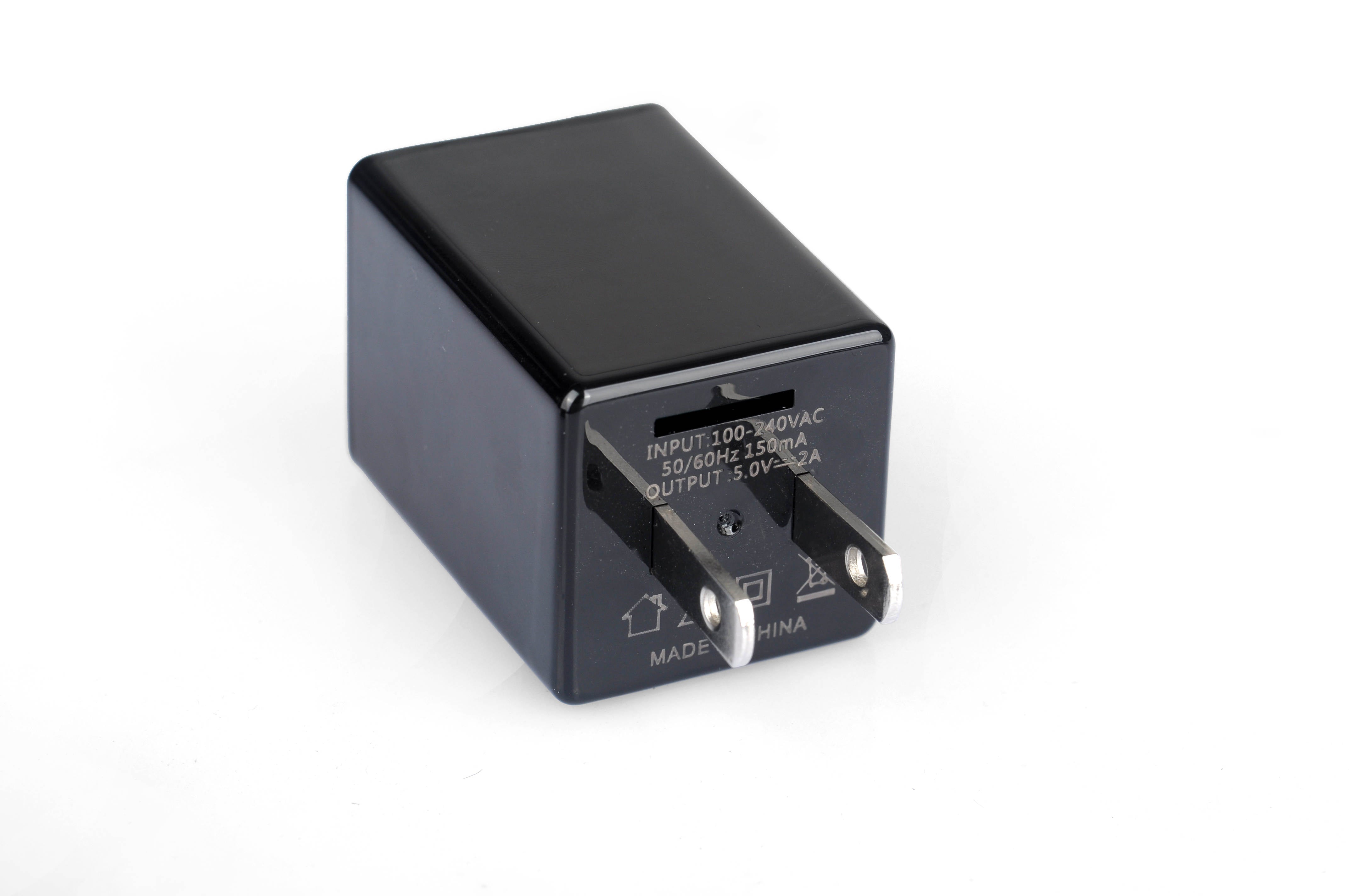
Keep an eye on your room with the REF Power Nanny Cam, a home monitoring camera built into a USB wall charger design. Plug it into a wall outlet and view remotely using the LookCam app for iOS or Android over a 2.4 GHz Wi-Fi connection.
- 1080p HD video with a 150° wide-angle view.
- Night vision and motion detection.
- Wall-powered operation, with no routine battery charging.
- USB wall charger design for indoor room monitoring.
Getting started with LookCam
- Download the LookCam app from the Apple App Store or Google Play.
- Connect the app to your local Wi-Fi/router. The camera requires a 2.4 GHz Wi-Fi network.
- Plug the REF Power Nanny Cam into a 120-volt wall outlet. Allow one to two minutes for the connection.
- If it doesn’t connect, close the app, unplug the camera, and repeat the setup process. Additional manufacturer instructions are included in the box.
There is no physical on/off switch. Plug the camera in to turn it on; unplug it to turn it off. To charge a device, connect its USB cable to the charger’s USB port.
Need help? Text 310-597-8040 or email Help@refmarketplace.com for setup assistance.
Use the camera in accordance with local privacy and recording laws.